
Check what matters
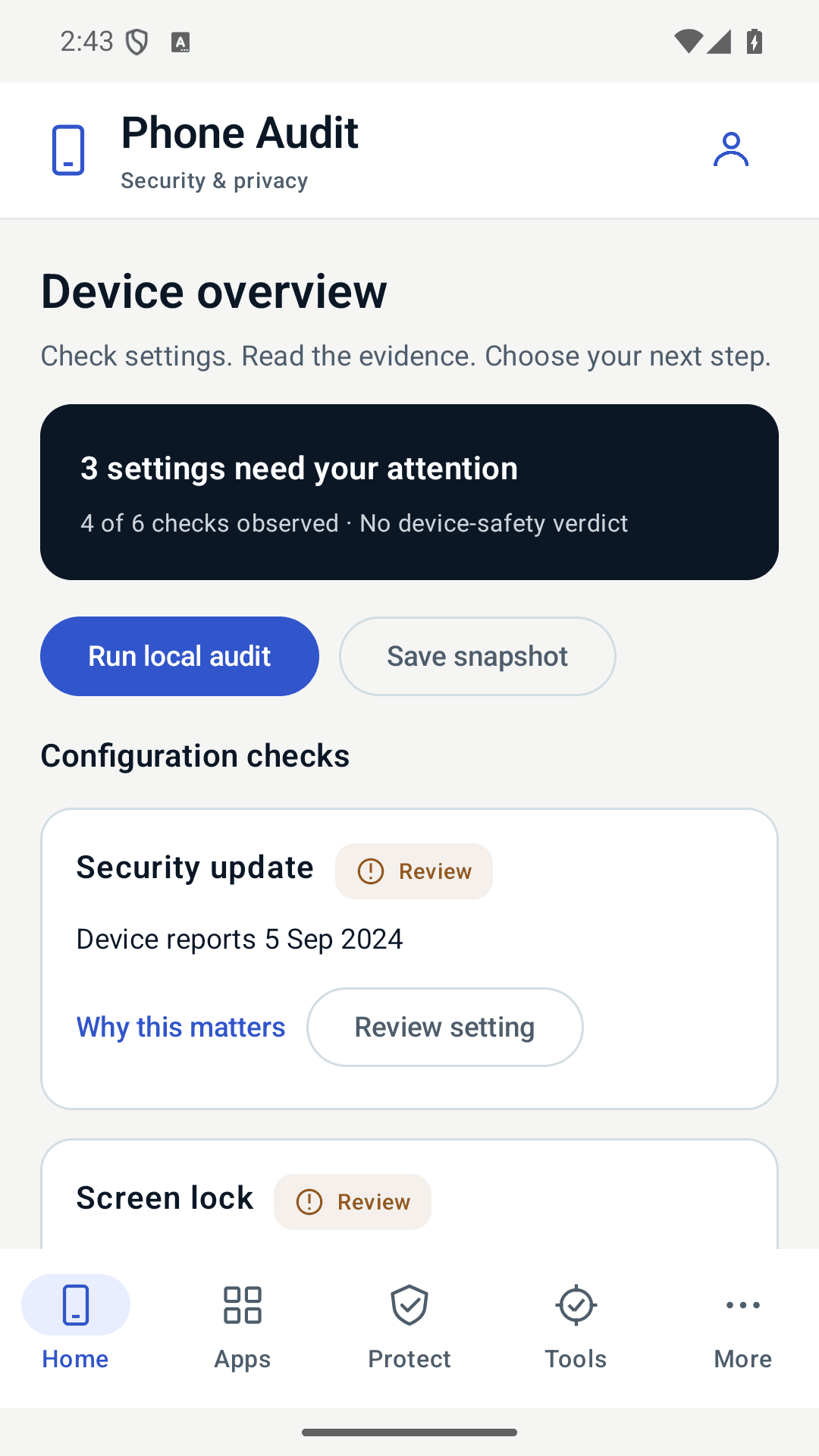
Review Android patch level, screen lock, encryption and debugging settings. Unknown results stay unknown.
Phone security should be easier to understand. Review your settings, apps and files in one place, see what needs attention and decide what to do next.
Coming to Google Play for Android. iOS is not available.
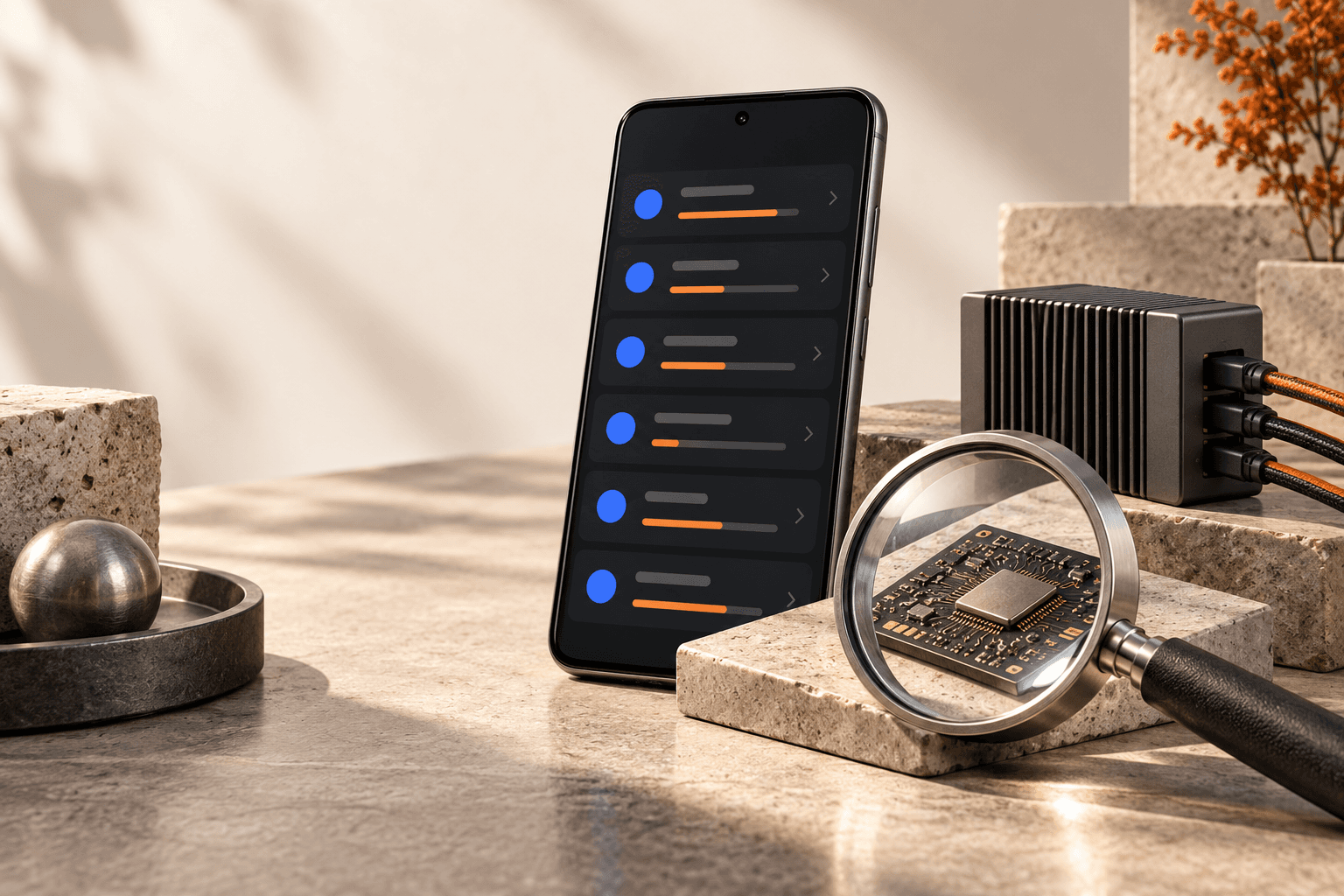
You do not need to be a security expert. Sign in with a free, verified account, then follow three practical steps.
Start on Home to review the security settings Android reports. Your audit stays on the phone unless you export it.
Read what each check observed and why it matters. Review app access or inspect a file when you need more detail.
Open the relevant Android setting or choose apps to block. You stay in control; Phone Audit does not make automatic repairs.
Checks help you review risks. They cannot prove your phone is safe, hacked or protected from every attack.
Understand. Choose. Act.
Review Android patch level, screen lock, encryption and debugging settings. Unknown results stay unknown.
Understand visible apps, permissions, installer records and signing fingerprints. Permissions alone do not mean malware.
Choose apps that shouldn't go online and block them right on your phone. Your other apps stay online.
Download the optional verified AI model for local explanations. Prompts stay on your phone; AI can make mistakes. Report concerns in the app after reviewing what is sent.
Store encrypted file copies with a device-local key. Keep your originals: there is no cloud recovery.
Inspect selected files against known hash indicators, compare fingerprints and save or export audit history.
Inside the Android app
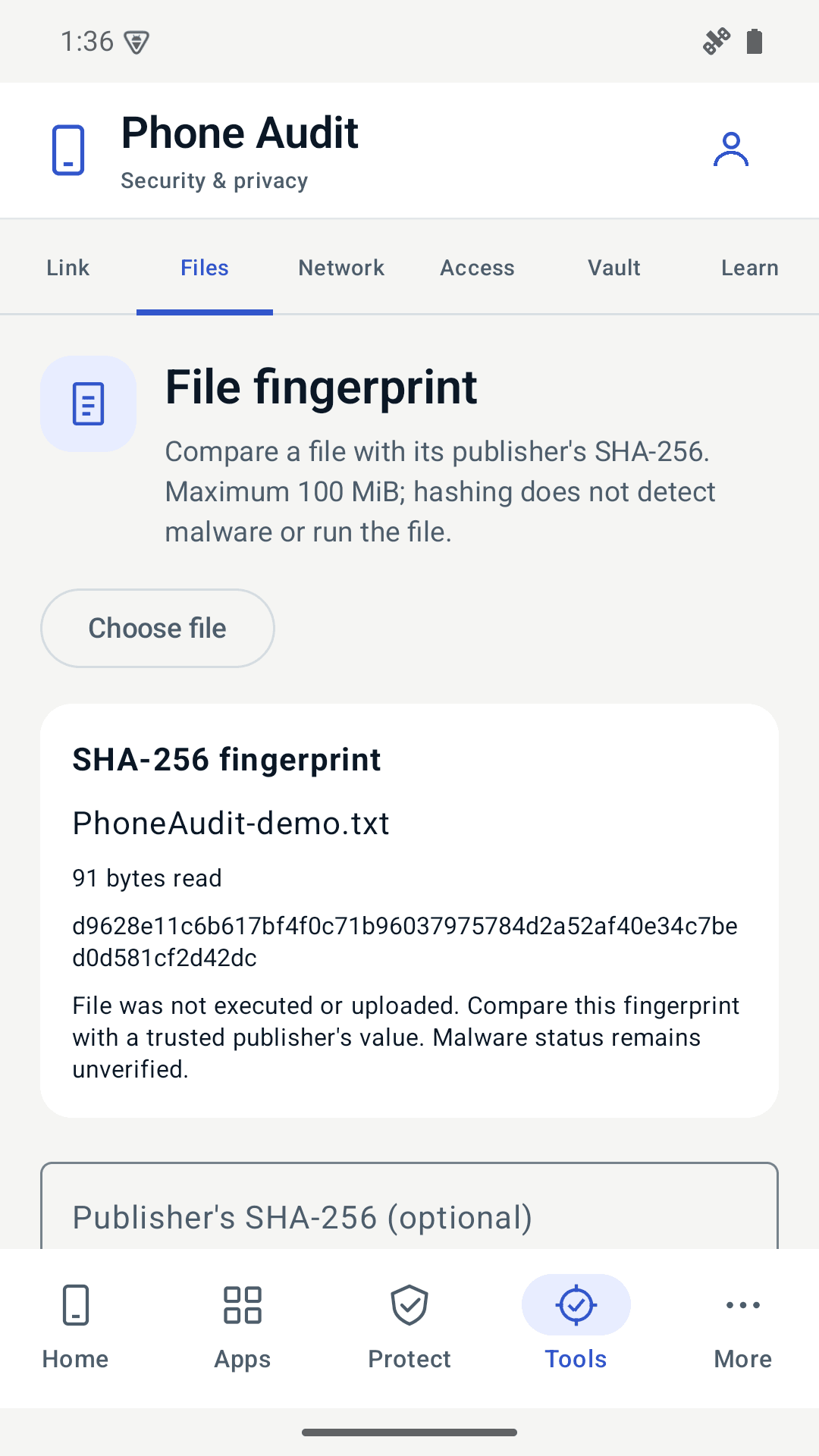
See which settings need review, read why a check matters and open the relevant Android controls. Compare a selected file with its publisher's fingerprint without uploading or running it.
Actual Android preview screens captured in an emulator. Results describe that test device; they are not a security verdict for your phone.
Every tool is free. You sign in with an email address you verify once and agree to the terms. Your account holds only your email; your results, app list, files and AI questions never leave the phone. Voluntary AI reports send only the report you review and explicitly approve.
Hash scanning detects known indicators, not every threat. This app cannot certify that a phone is safe or uncompromised. The firewall blocks selected apps locally; it is not a remote VPN service.